
How To: Cancel, Update Package Size or Shipment Interval
You can manage your account here: Manage Subscription
Click "manage subscription" and you'll be prompted to enter the email address you used to place your order.
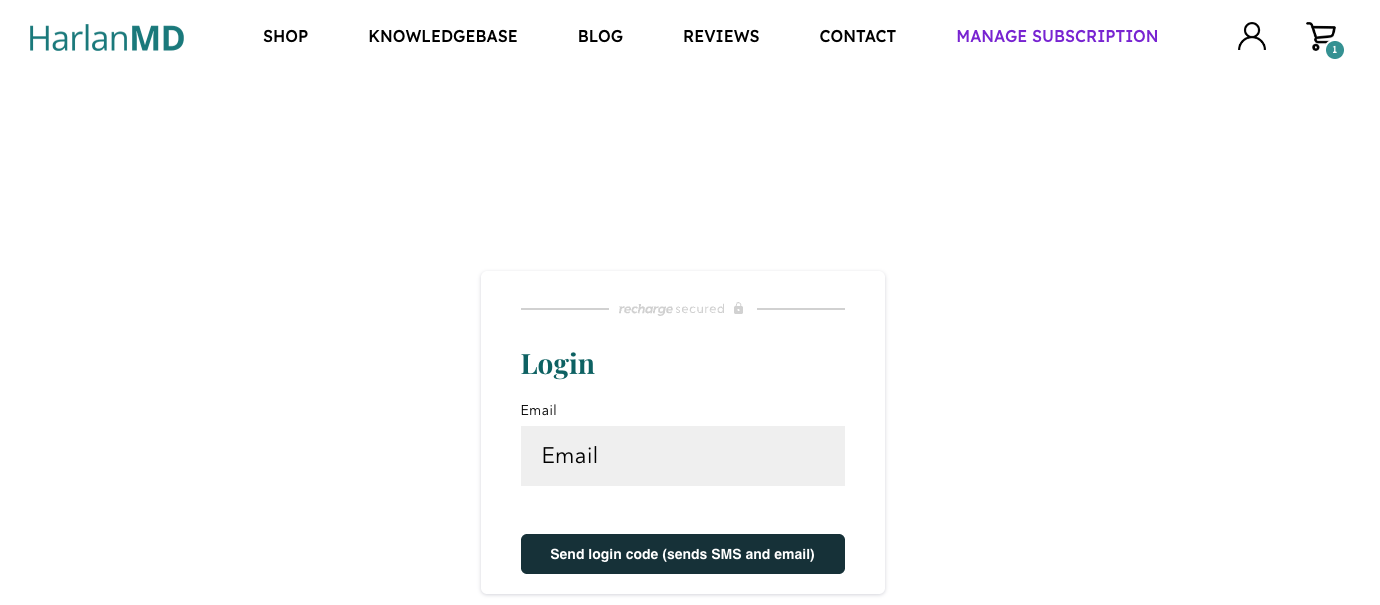
You'll receive a code via email and/or text that allows you to log-in without needing a password.
There you can make changes, pause or cancel your subscription!
If you have any trouble please email us at support@harlanmd.com
How To: Change Your Payment Information
We recently began accepting HSA/ FSA payments, as SmartLotion® is 100% eligible, and most people with these accounts would prefer to use them.
If you purchased your subscription and would like to change the card we have on file you can also do so using the instructions above for managing your subscription.